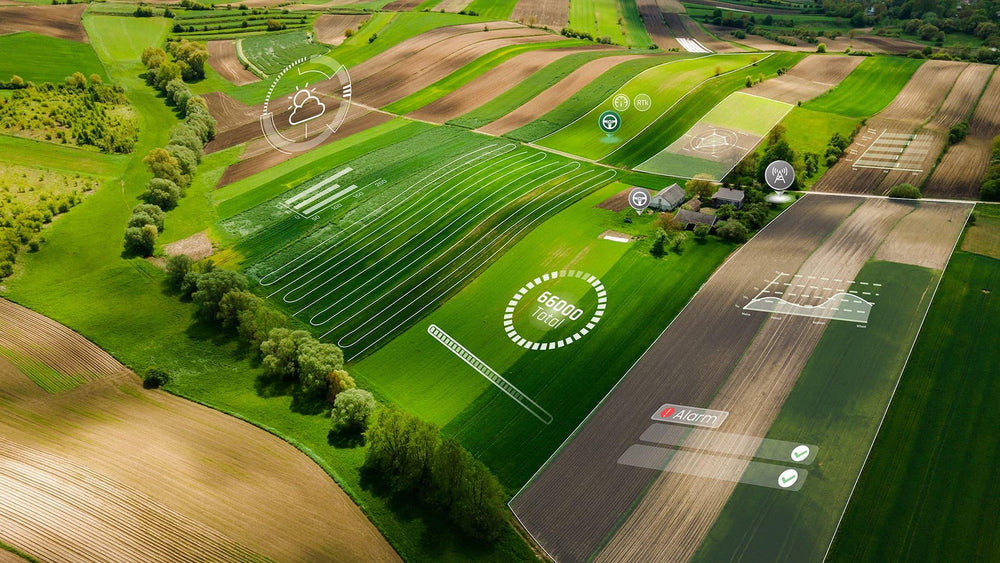



Farm operations management is the process of turning a seasonal plan into clear field work, visible progress, and records you can use after the job is finished. On many farms, those steps live in different places: field boundaries in one file, instructions in a group chat, machine details in a spreadsheet, and completed work in someone’s notebook. The work still gets done, but it becomes difficult to answer simple questions quickly.
Which field is next? Who is responsible? What has already been completed? Were there missed or repeated passes? Where is the final job record?
This guide explains a practical digital workflow for organizing fields, planning tasks, coordinating execution, monitoring progress, and turning field activity into useful operation reports.
What is farm operations management?
Farm operations management connects the resources a farm has with the work it needs to complete. It brings together fields, people, machinery, materials, schedules, instructions, execution data, and records in one repeatable process.
A useful workflow should help a manager move through five stages:
- Organize: create a reliable picture of fields, machines, implements, people, and materials.
- Plan: define the job, location, timing, inputs, equipment, and responsible operator.
- Execute: give the team clear instructions and the information needed to work in the field.
- Monitor: follow progress and deal with delays, missed areas, or changing conditions.
- Record: keep the completed operation, notes, tracks, time, area, and results together.
The goal is not to create more administration. It is to make the information already produced by daily work easier to find, review, and reuse.

Why fragmented field workflows create blind spots
Paper notes, spreadsheets, messaging apps, and individual machine displays can all be useful. The problem appears when no single workflow connects them. A manager may know that a spraying job was assigned but not whether every planned zone was completed. An operator may know what happened in the cab, while the office only sees a short message saying the job is done.
Fragmented information creates several common gaps:
- field names and areas do not match across files;
- task instructions change without a clear version or owner;
- two jobs compete for the same machine or operator;
- completed work is reported late or only from memory;
- tracks, notes, photos, and machine information are separated from the job;
- seasonal review requires rebuilding the story from multiple sources.
Good recordkeeping is not only about keeping documents. Mississippi State University Extension notes that clear farm records support planning, budgeting, and the identification of problem areas. The same principle applies to daily field operations: records become more valuable when they are created as part of the work, not reconstructed weeks later. See its farm planning and recordkeeping guidance.
A five-step digital farm operations workflow
1. Build a reliable resource layer
Start with the information every later task depends on. Map field boundaries and use consistent field names. Add the machines and implements that can be assigned to work. Record the people, roles, and materials that matter to daily execution.
This foundation does not have to be perfect on day one. Begin with active fields and the machines used most often. Check units, working widths, and naming conventions before importing a large amount of historical data. A small, trusted dataset is more useful than a large list nobody believes.
If your team is still deciding what belongs in a digital system, the FieldFusion article What Is a Farm Management System? provides a broader introduction.
2. Turn the seasonal plan into field tasks
A task should be specific enough that the operator does not need to rebuild the plan from a phone call. At minimum, define the field, operation type, planned date, responsible person, machine, implement, and expected result. Add materials, rates, notes, or map files when they are part of the job.
For multi-field work, planning also means deciding the sequence. Field access, distance, road travel, refill points, crop stage, weather, and machine availability can all affect the order. Route planning can help reduce unnecessary travel and make the plan easier to follow, but the manager should still review practical constraints that a map cannot fully understand.

When variable-rate application is required, a prescription map can become part of the task package. The map should be checked for the correct field, zone values, units, file format, and compatibility with the guidance or task-control system before work begins. Learn more in How NDVI Helps Create Prescription Maps.
3. Give operators one clear job handoff
A strong handoff answers practical questions before the machine enters the field:
- Which field and operation are assigned?
- When should the work start?
- Which machine and implement should be used?
- What settings, materials, or map files are required?
- What conditions should cause the operator to pause and contact a manager?
- What evidence or notes should be recorded at completion?
Digital task assignment keeps these details attached to the job. It also gives the team a shared reference when timing or instructions change. The software does not replace operator judgment, agronomic advice, label requirements, or local rules; it makes the approved plan easier to communicate and document.
4. Monitor progress without interrupting the operator
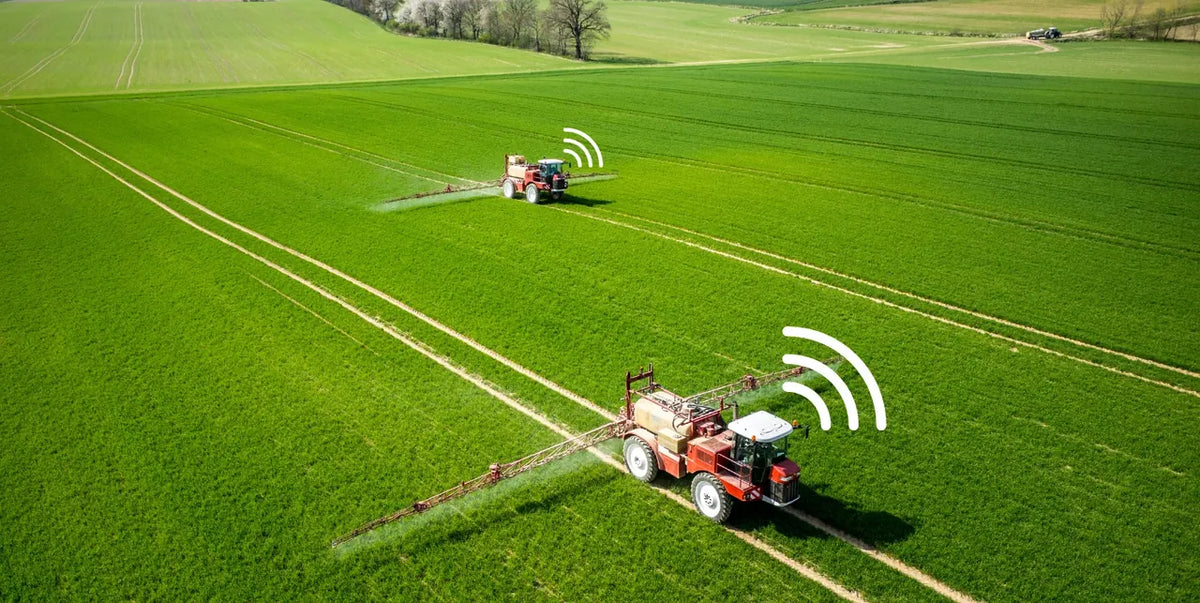
Monitoring should help managers identify exceptions, not encourage constant supervision. A useful live view can show whether work has started, which task is active, where a compatible machine is operating, and how the job is progressing. Managers can then focus on delayed tasks, unexpected stops, missed zones, or coordination conflicts.
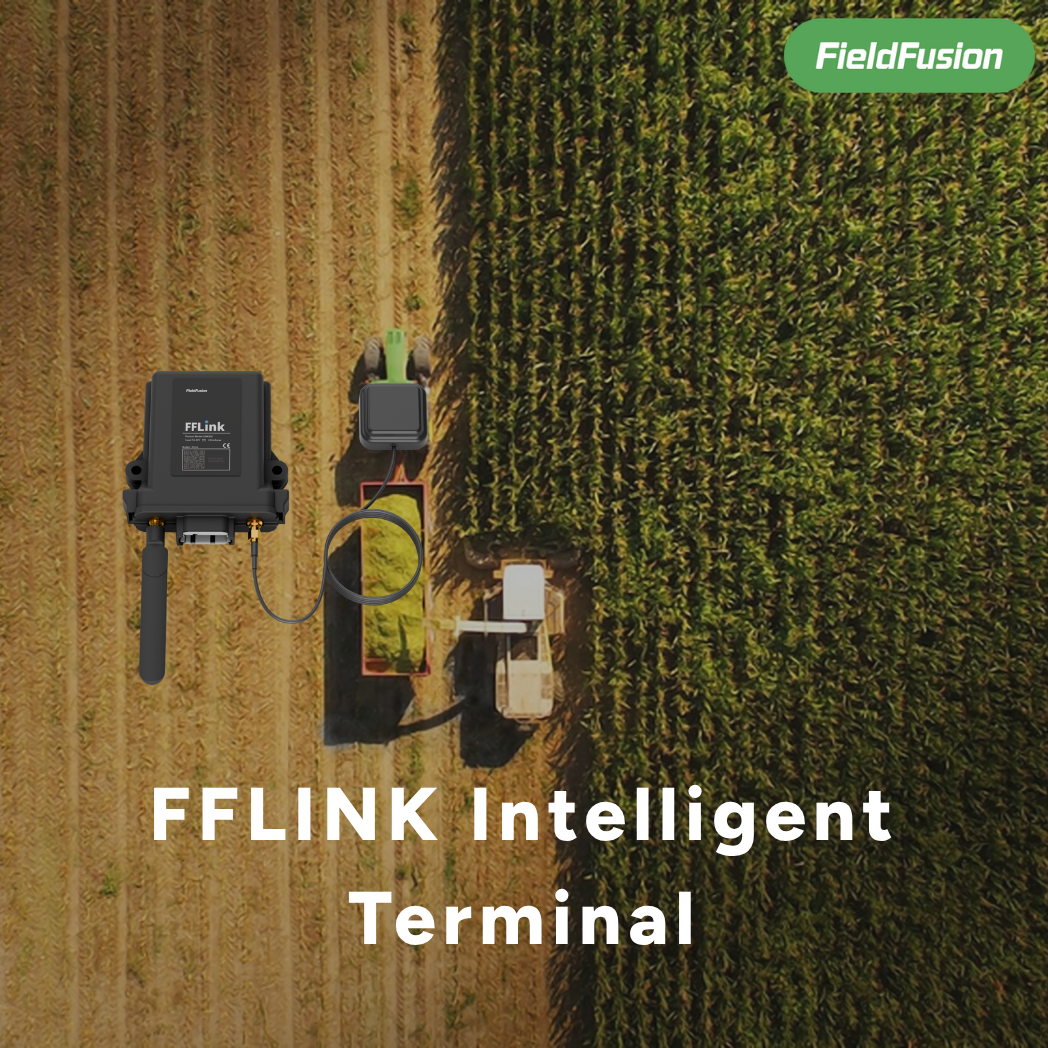
Not every operation will provide the same level of live data. Visibility depends on the equipment, device connection, network coverage, operator workflow, and system configuration. Treat the dashboard as one source of operational context and confirm unusual conditions with the people in the field.

5. Close the job with a usable operation record
A task is not fully complete when the machine leaves the field. It is complete when the farm can review what happened. The final record should connect the original plan with the available evidence from execution.
Depending on the operation and connected equipment, a useful job record may include:
- field and operation type;
- planned and actual start or completion time;
- responsible operator, machine, and implement;
- materials, rates, or task notes;
- covered area, distance, duration, and track;
- missed, repeated, or interrupted work;
- photos, observations, exceptions, and follow-up actions.
The exact record should match the farm’s management purpose and any applicable local requirements. Do not assume that a software-generated report alone proves legal or certification compliance. The USDA Agricultural Marketing Service also emphasizes that recordkeeping systems should connect source information, activity records, and supporting documents; its crop recordkeeping guide is a useful reference for thinking about record structure.
What should a farm operation report help you decide?
A report is valuable when it supports a decision. Before adding more fields to a form, decide what someone should be able to understand from the finished record.
| Management question | Useful record | Possible follow-up |
|---|---|---|
| Was the planned field work completed? | Status, track, covered area, missed or repeated sections | Schedule a return visit or review the plan |
| How long did the job take? | Start time, finish time, operating time, stops | Improve scheduling or compare workflows |
| Were the right resources used? | Operator, machine, implement, materials | Correct assignment or update resource availability |
| What changed during execution? | Notes, photos, alerts, task edits | Investigate the exception and document the decision |
| What should improve next season? | Comparable job history across fields and dates | Adjust timing, routes, equipment, or task templates |
This keeps reporting focused. Instead of collecting data because the software allows it, the farm captures information that can improve the next plan.

A practical example: managing a multi-field spraying day
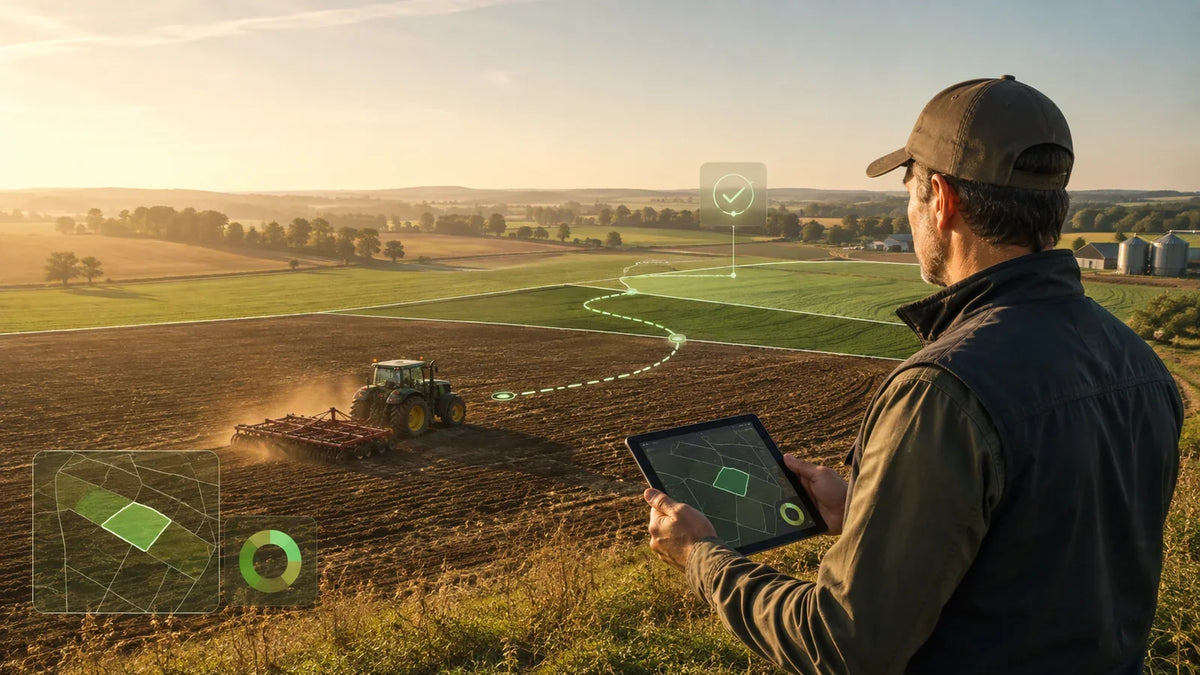
Imagine a manager preparing work across five fields. The fields, machines, and operators are already organized in the system. The manager creates the spraying tasks, assigns the tractor and sprayer, attaches the approved instructions, and reviews the order of fields based on timing and access.
The operator receives the assigned jobs and confirms the correct field and task before starting. During execution, the manager can follow the available progress information and respond if a task is delayed or paused. After each field, the operator adds relevant notes and closes the task. The completed record keeps the planned work and available execution data together.
At the end of the day, the manager can review which fields were completed, where follow-up is needed, and whether the next day’s plan should change. The same workflow can be adapted for planting, fertilizing, tillage, scouting, harvest, and contractor work.
How FieldFusion connects planning, execution, and reporting
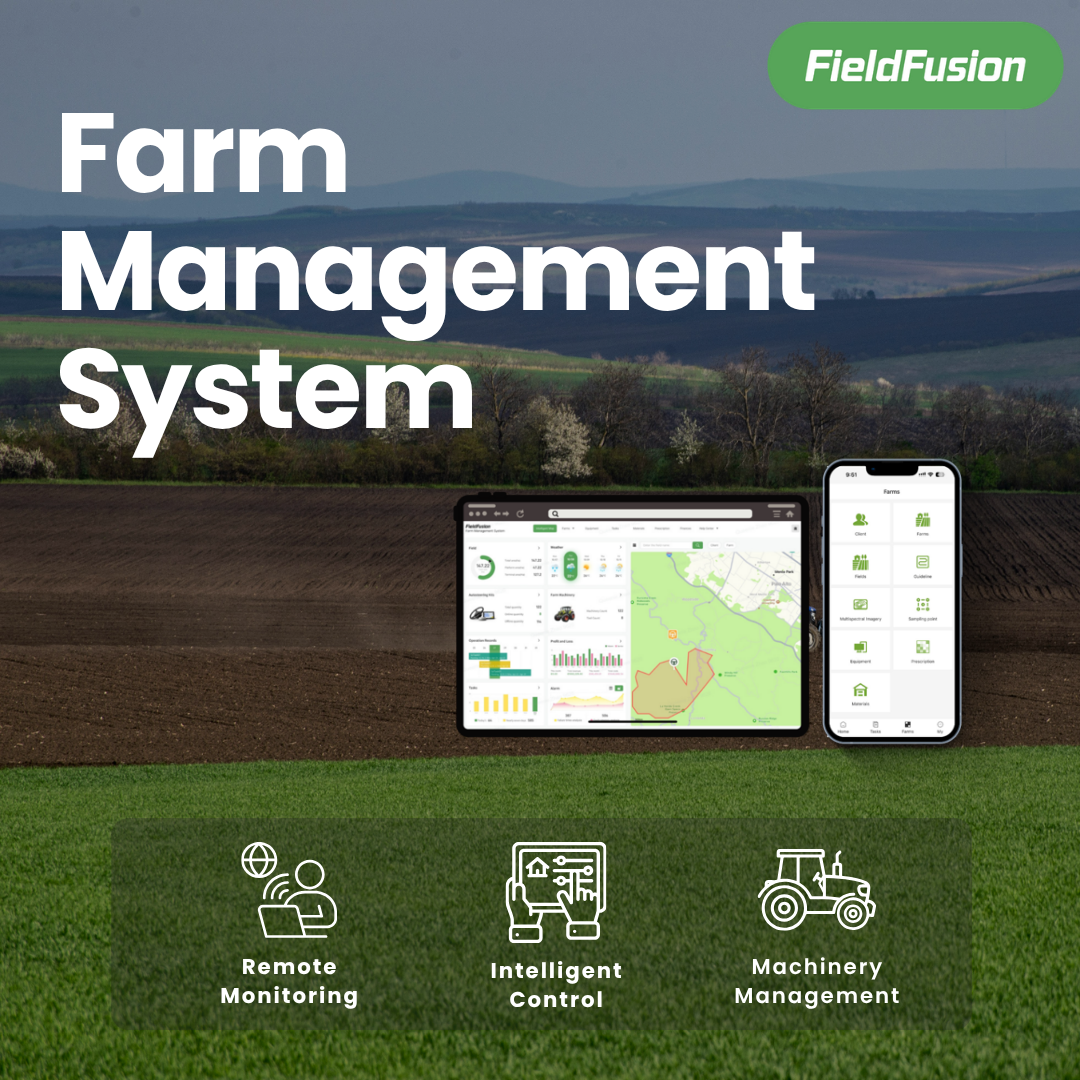
FieldFusion farm management software brings fields, machinery, people, tasks, maps, monitoring, records, and reports into one workspace. The platform is designed around a connected operations loop:
Resources → task planning → field execution → monitoring → operation record → review and improvement
Teams can organize field and machinery information, create and assign jobs, use route planning and prescription-map workflows, follow available task progress, and retain operation history for later review. Compatible guidance systems and connected equipment can extend the workflow, but support depends on the machine, file format, interface, and configuration.
The main benefit is continuity. The field plan, assigned work, execution context, and final record stay connected instead of becoming separate documents.
A simple rollout plan for your first week
- Choose one workflow. Start with a repeated operation such as spraying, fertilizing, or contractor job reporting.
- Add active fields. Confirm names, boundaries, areas, and crops for the fields used in the pilot.
- Add the core team and equipment. Include only the operators, machines, and implements needed for the first jobs.
- Create a task template. Define the information every job of this type should contain.
- Run one real operation. Test the handoff, execution, notes, and completion process in the field.
- Review the record together. Ask the operator and manager what was missing, duplicated, or unclear.
- Improve before expanding. Fix the workflow, then add more fields, task types, people, or integrations.
A pilot is successful when the team can complete the workflow and trust the resulting record—not when every available feature has been configured.
Frequently asked questions
What is the difference between farm planning and farm operations management?
Farm planning defines what the farm intends to do. Farm operations management connects that plan to assigned resources, field execution, progress monitoring, and completed work records.
What information should be included in a farm task?
Start with the field, operation, planned date, responsible operator, machine, implement, and expected result. Add materials, rates, map files, safety notes, and completion requirements when they are relevant.
Can farm management software replace spreadsheets?
It can replace many disconnected planning and recordkeeping spreadsheets, but some farms will still use spreadsheets for specialized analysis or finance. The priority is to create one trusted operational workflow and avoid entering the same information in several places.
Does digital monitoring work with every tractor?
No. The available machine and operation data depends on the equipment, connection method, protocol, configuration, and network conditions. Confirm compatibility before relying on automatic data collection.
How should a farm start digitizing operations?
Choose one frequent, valuable workflow and run a small pilot. Add the necessary fields, people, and equipment; complete real tasks; review the resulting records; and only then expand.
Turn every field job into a better next decision
The best farm operations system does more than display information. It helps the team move from a clear plan to coordinated work, then preserves the result in a form managers can review and improve.
Explore the FieldFusion workflow with a free trial, or review the FieldFusion annual plan when your team is ready for a direct purchase.