


01
Manage
Fields, machines, and materials.



Steuern inklusive. Steuern und Versand berechnet an der Kasse
Aktivierung & Auslieferung
Nach dem Kauf, Bitte stellen Sie sicher, dass Sie beim Bezahlvorgang eine gültige und korrekte E-Mail-Adresse angeben. Wir senden Ihnen Ihren FieldFusion-Aktivierungscode an diese E-Mail-Adresse.
So aktivieren Sie Ihre Lizenz:
1. Melden Sie sich im FieldFusion-System an.
2. Gehen Sie zum Abschnitt Aktivierung/Lizenz.
3. Geben Sie den Aktivierungscode ein, den wir Ihnen per E-Mail zugesendet haben.
4. Nach der Aktivierung können Sie FieldFusion nutzen.
Bitte bewahren Sie Ihren Aktivierungscode sicher auf. Sollten Sie den Code nicht erhalten, kontaktieren Sie uns bitte mit Ihren Bestelldaten.
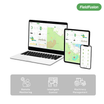
The whole farm in one view
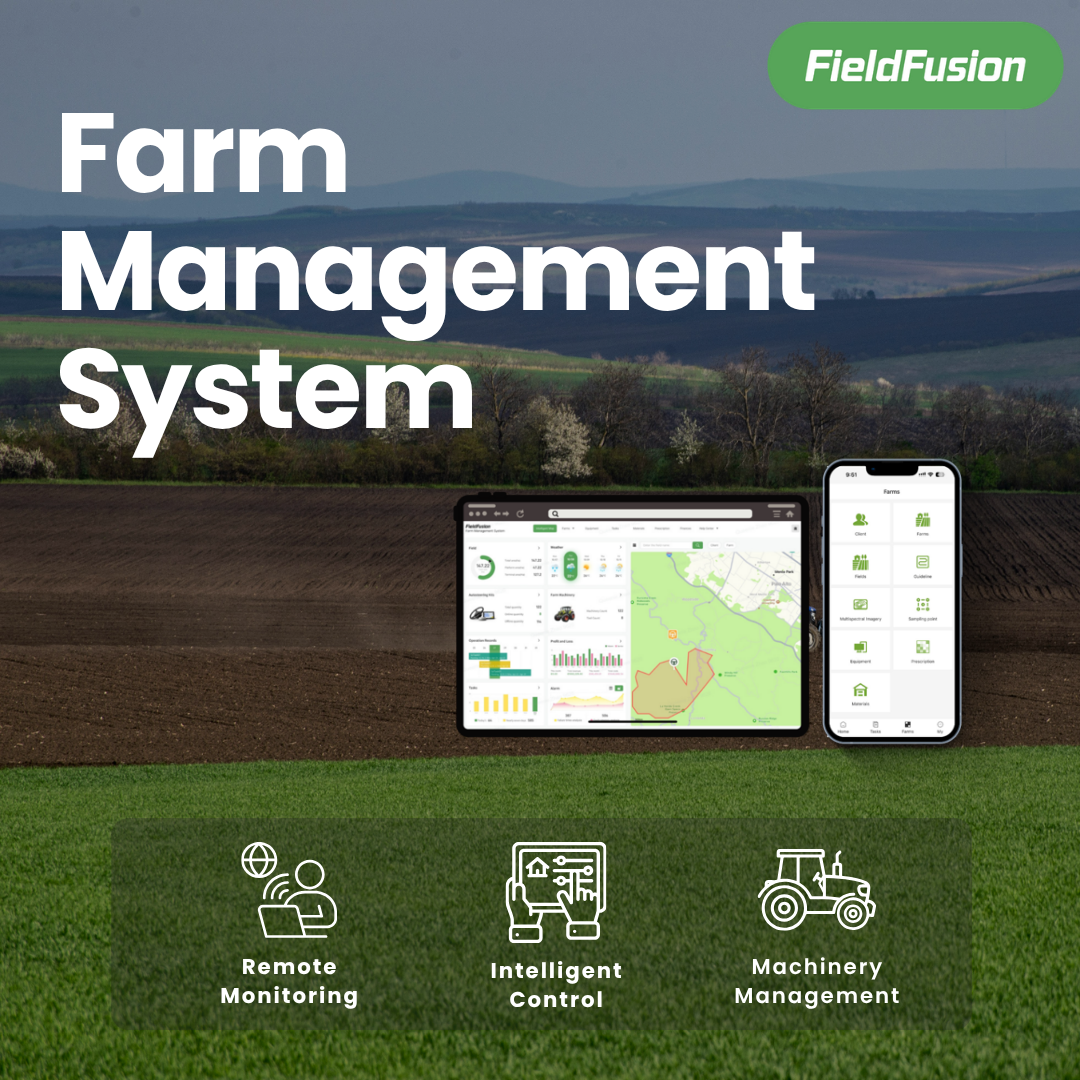
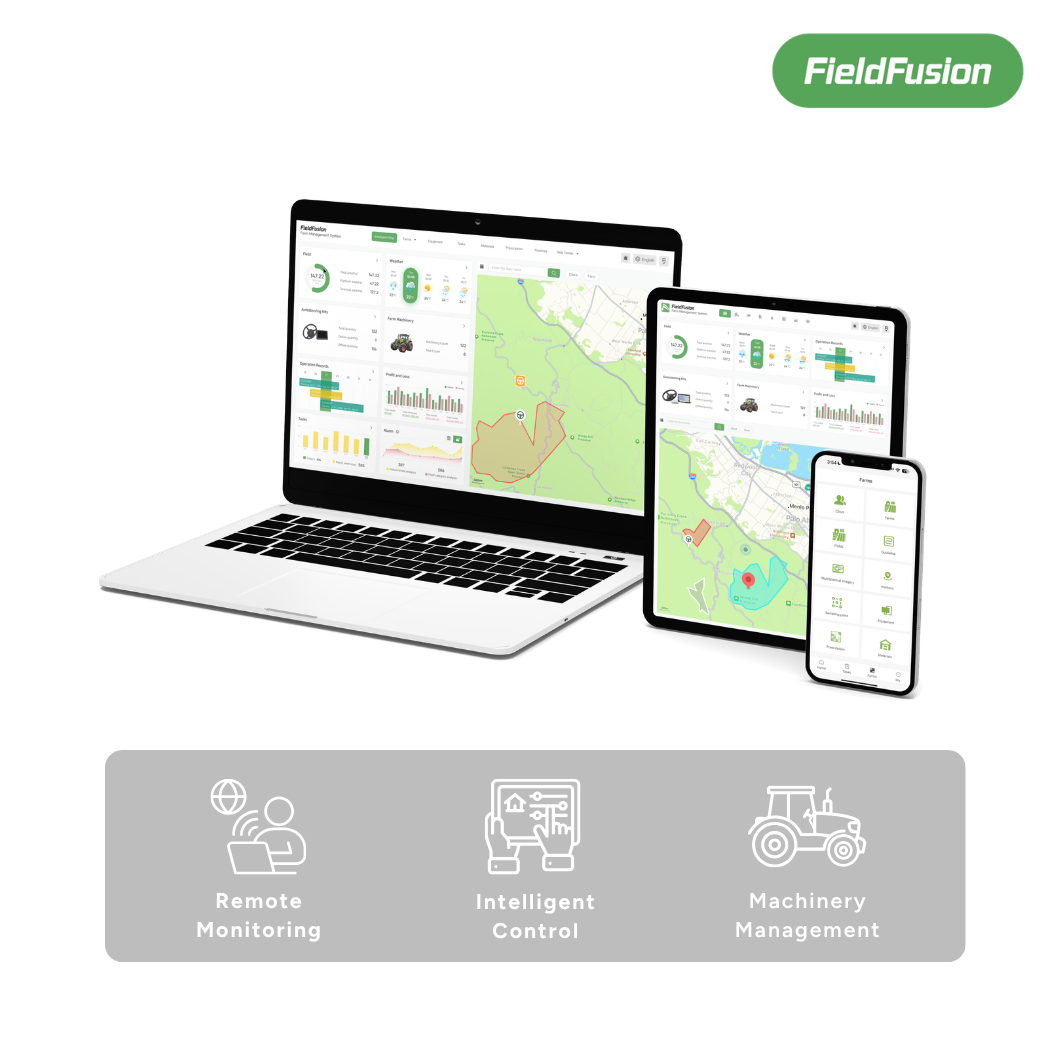
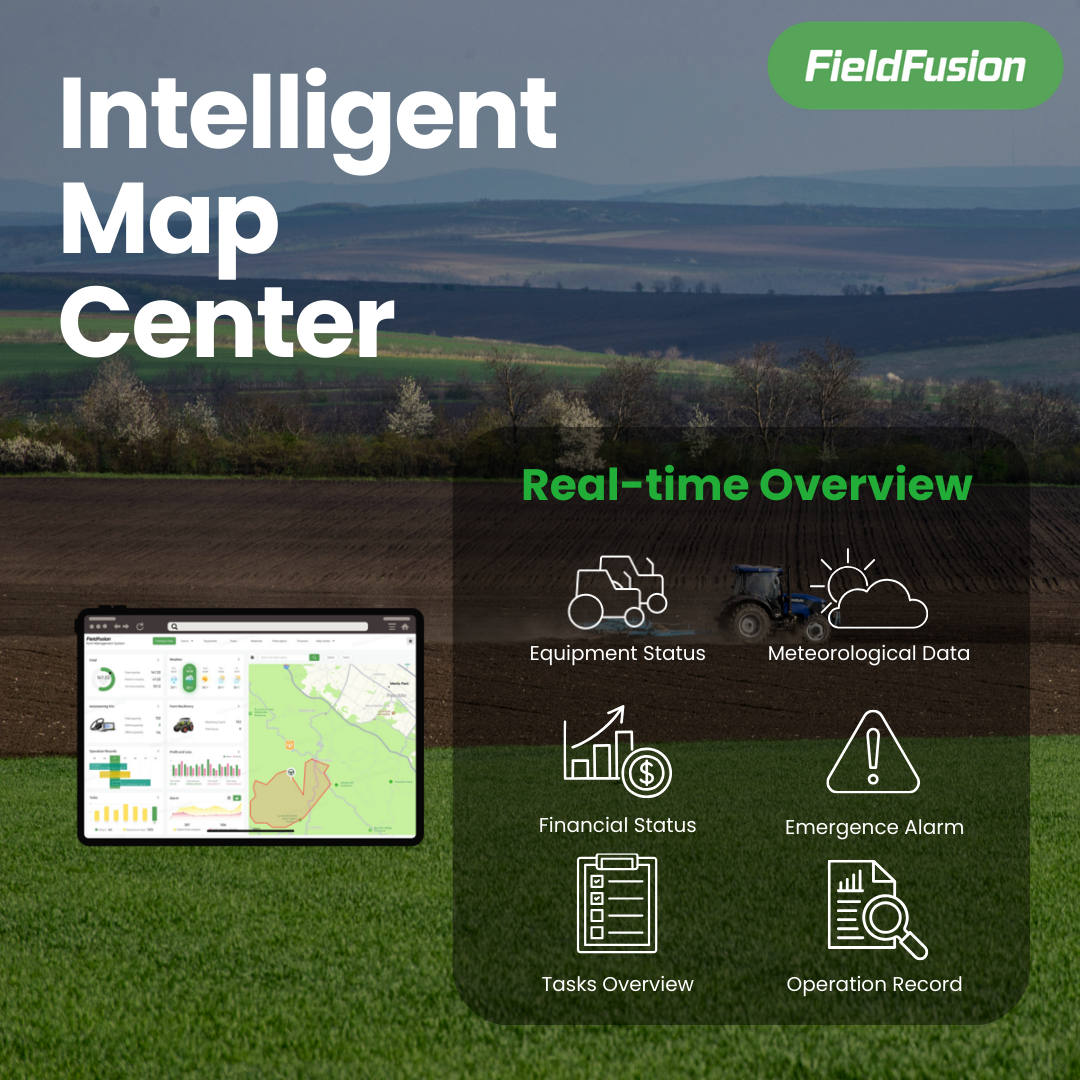
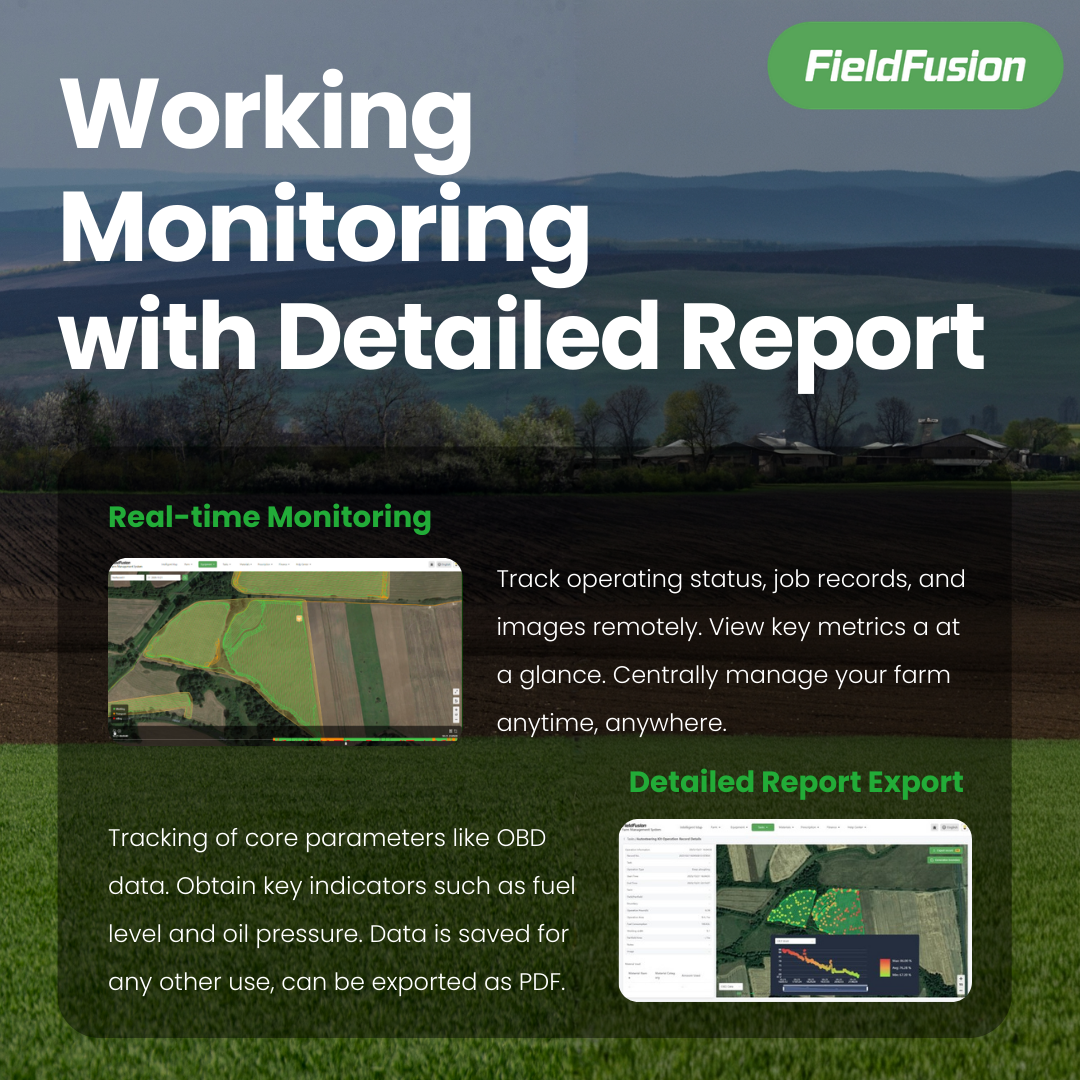
See every field, machine, job, input, weather condition, and prescription in one place.


From field data to field execution
FieldFusion keeps your fields, jobs, machines, and records in one place.
Fields, machines, and materials.

Jobs, routes, and people.

Tasks and maps to equipment.

Progress and machine status.

Work records ready to export.
Choose the right plan
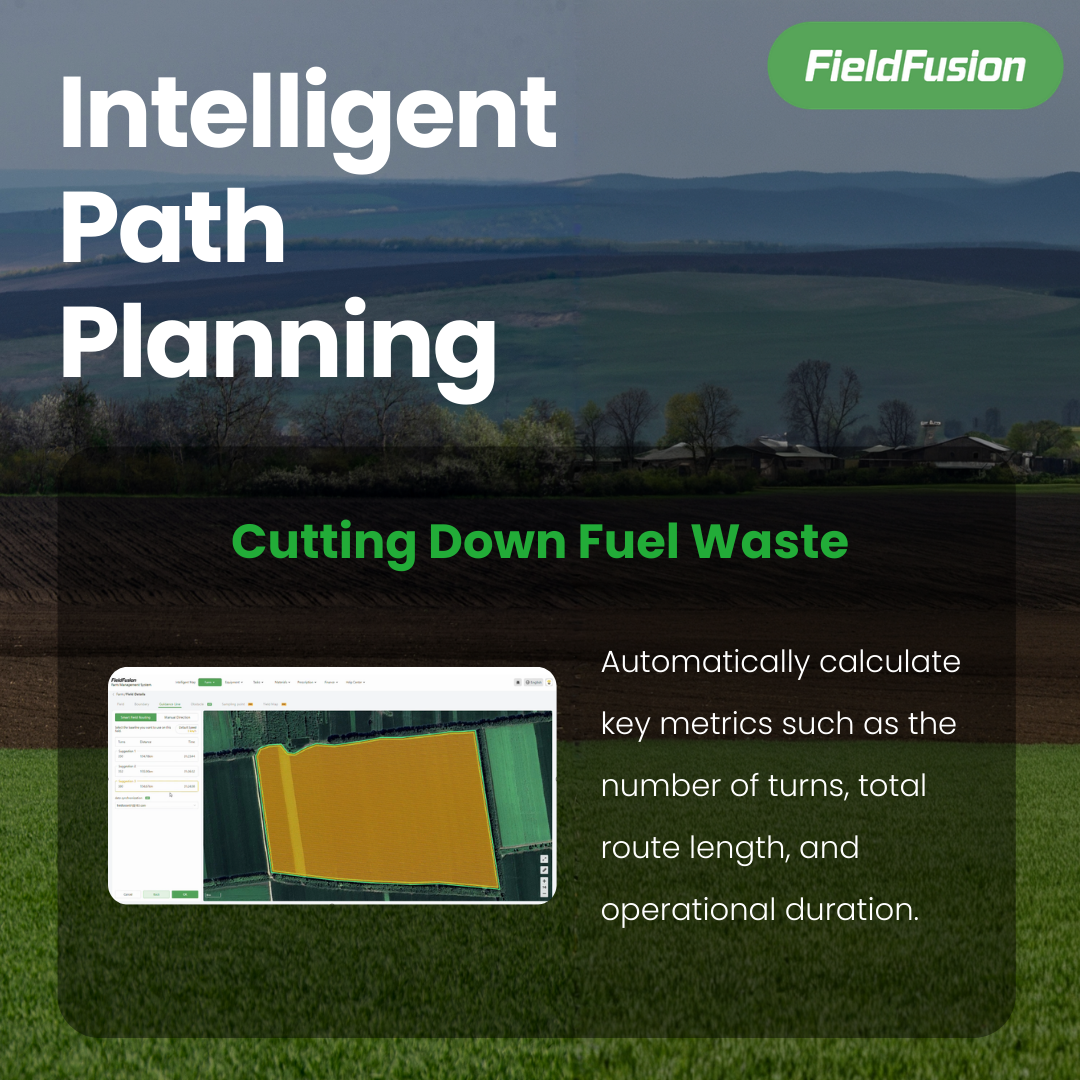
ADV covers everyday connected operations. PRO adds advanced planning and prescription tools.
Manage daily work and keep equipment data connected.
Plan smarter routes and create advanced prescription maps.
Open, connected, compatible
Move information between FieldFusion, common file formats, and connected machine platforms.

Export field data and reports in formats used across farm platforms.
Synchronize field and operation information with connected Auto Steer systems in real time.
Sync field boundaries and prescription maps with New Holland and Case IH in one click.
Precision workflow
Collect the data. Build the map. Send it to the field.

Bring together the information that shows how each part of the field is performing.

Use your field data in FieldFusion to create prescription zones and application rates.

Export a supported file or sync the prescription directly to a connected platform.
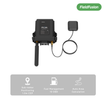
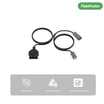
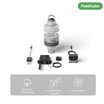
Connected hardware
Prepare the work in FieldFusion, execute it in the field, and bring the result back automatically.
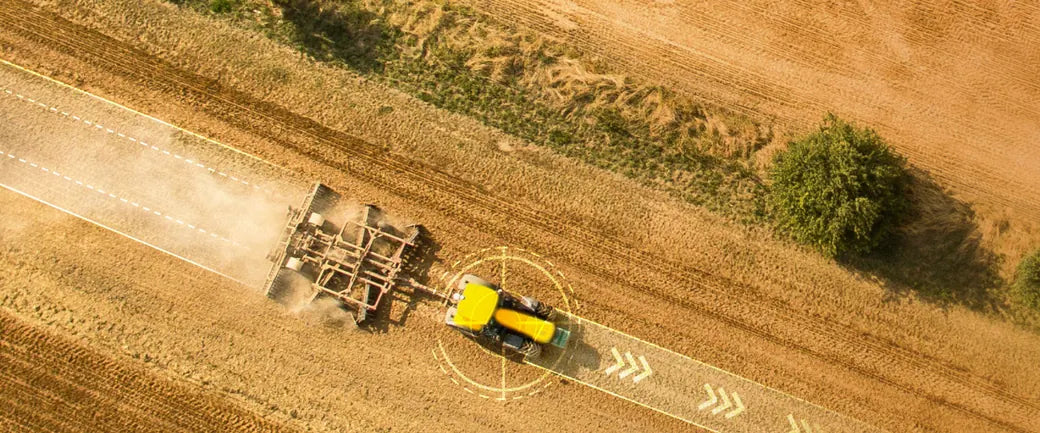
Send fields, AB lines, tasks, routes
Back tracks, area, speed, reports
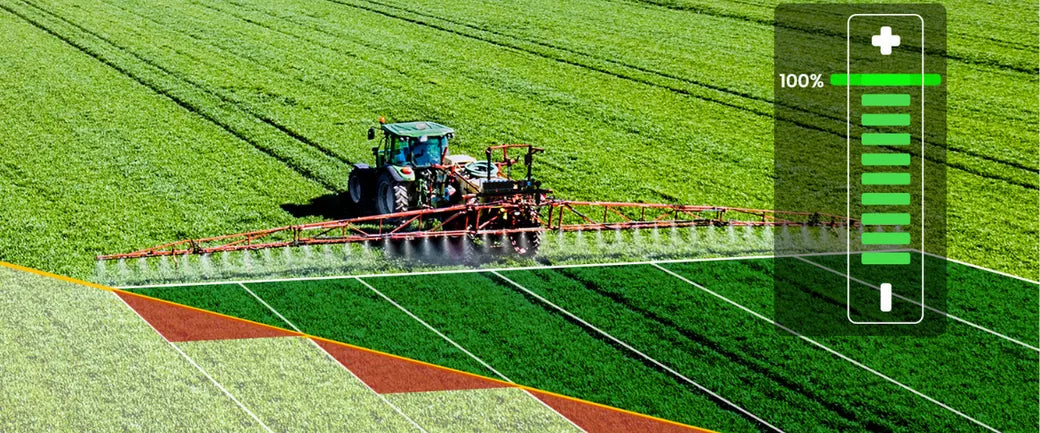
Send prescription zones and rates
Back coverage and application results
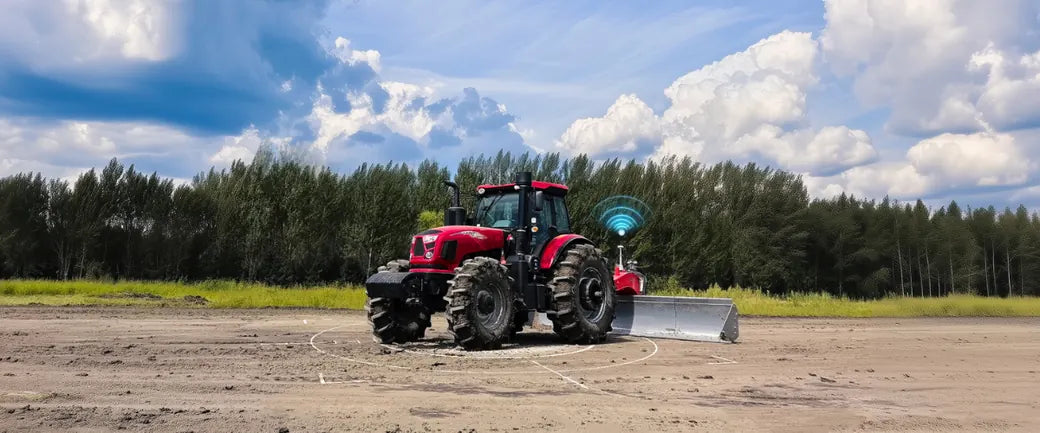
Send design and leveling tasks
Back post-operation terrain results
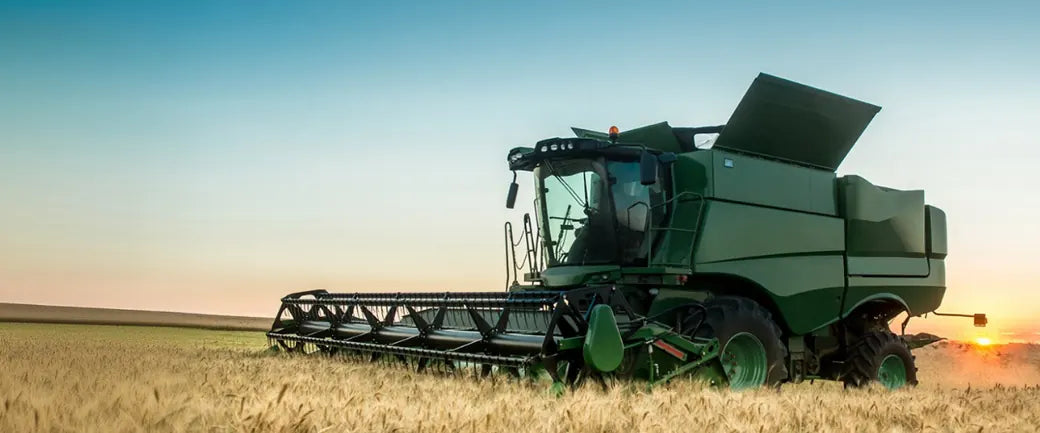
Back yield and moisture maps
Next plan seeding and prescriptions
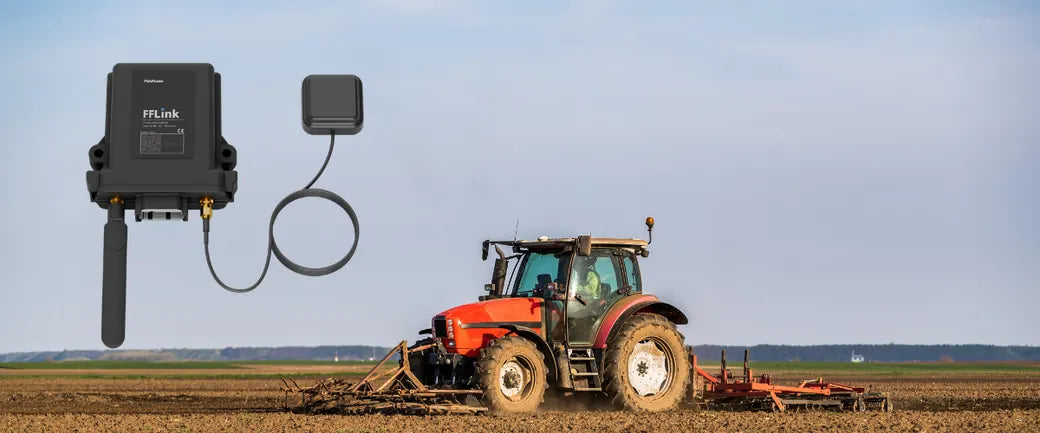
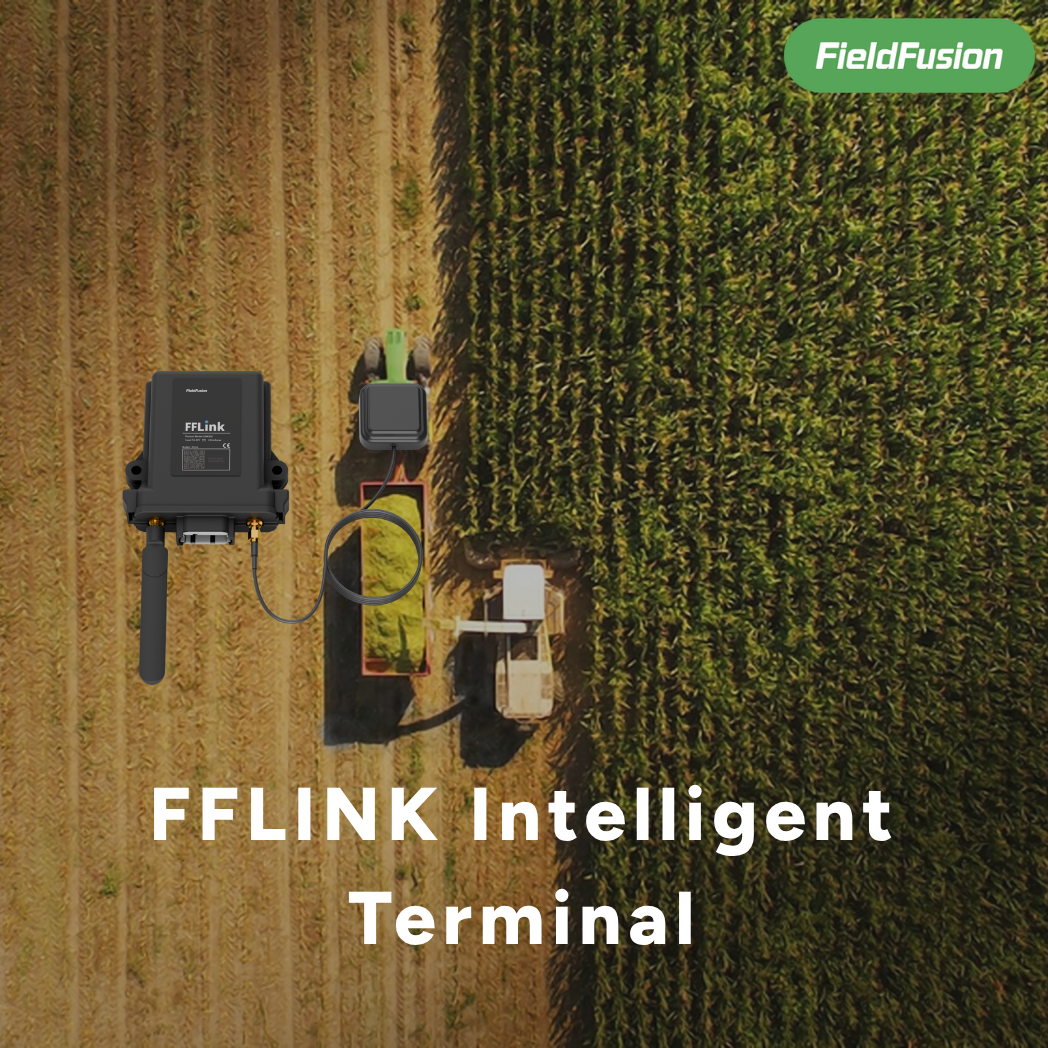
Bring in machine and terminal data
See status, records, and reports
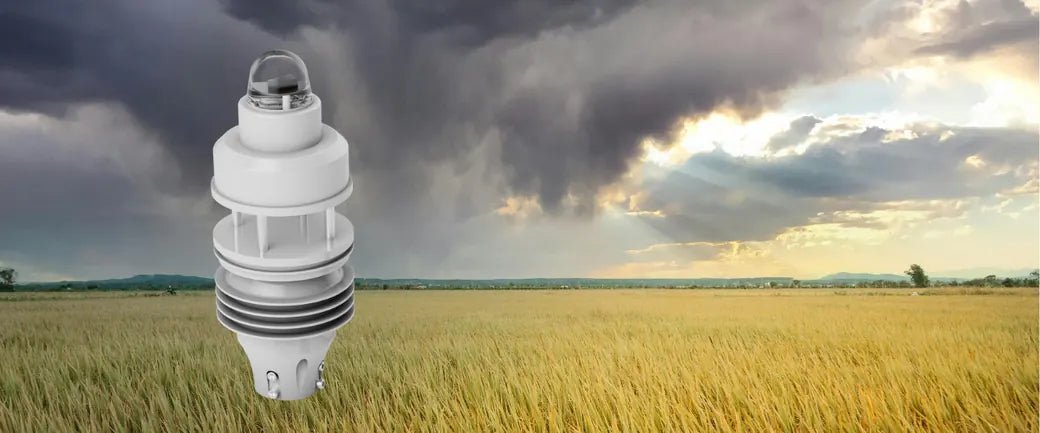
Bring in rain, wind, temperature
Choose better field-work windows
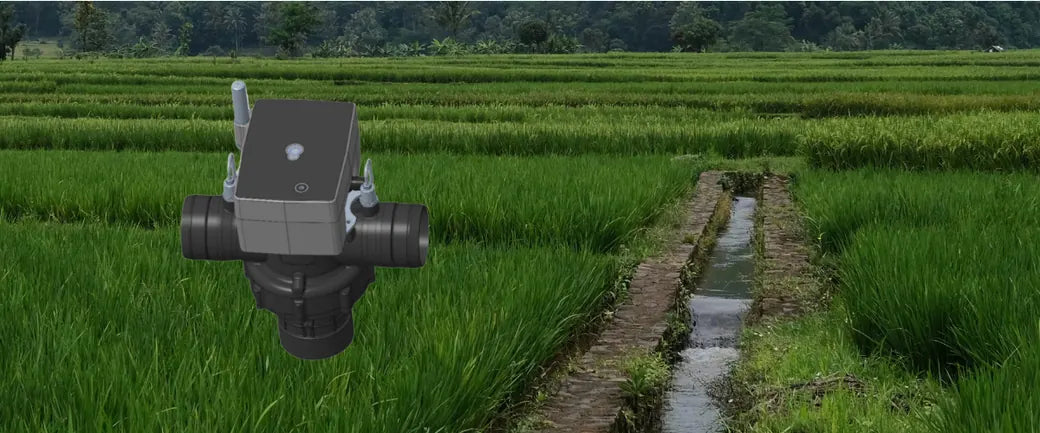
Send irrigation plans and schedules
Back flow, status, and alerts
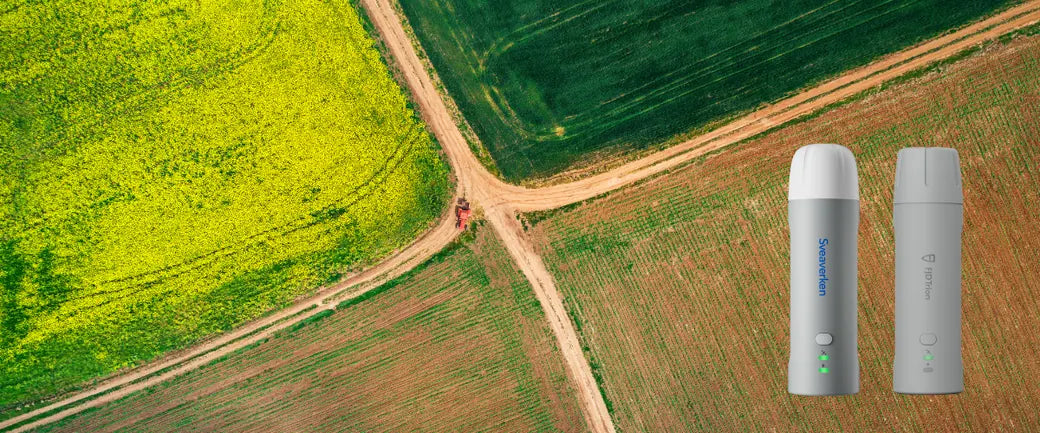
Collect boundaries, AB lines, obstacles
Reuse in routes, tasks, and maps
Software license only. Hardware is not included. Compatibility depends on your machine, terminal, region, and setup.
Customer stories
“I can better plan future operations.”
“Automatic data sync improves efficiency.”
“Satellite prescription maps are a huge advantage.”
Digital delivery
Choose a plan, check your inbox, and activate online.
Choose ADV or PRO.
Receive your activation code.
Open your FieldFusion account.
Enter the code and start.
No. This is a one-year software activation license.
Choose ADV for everyday connected operations. Choose PRO for path planning and advanced prescription maps.
Compatibility depends on your machine and terminal. Contact us if you are unsure.