
Operating parameters
Engine speed, coolant temperature, oil pressure, fuel use, speed, fault codes, and more.
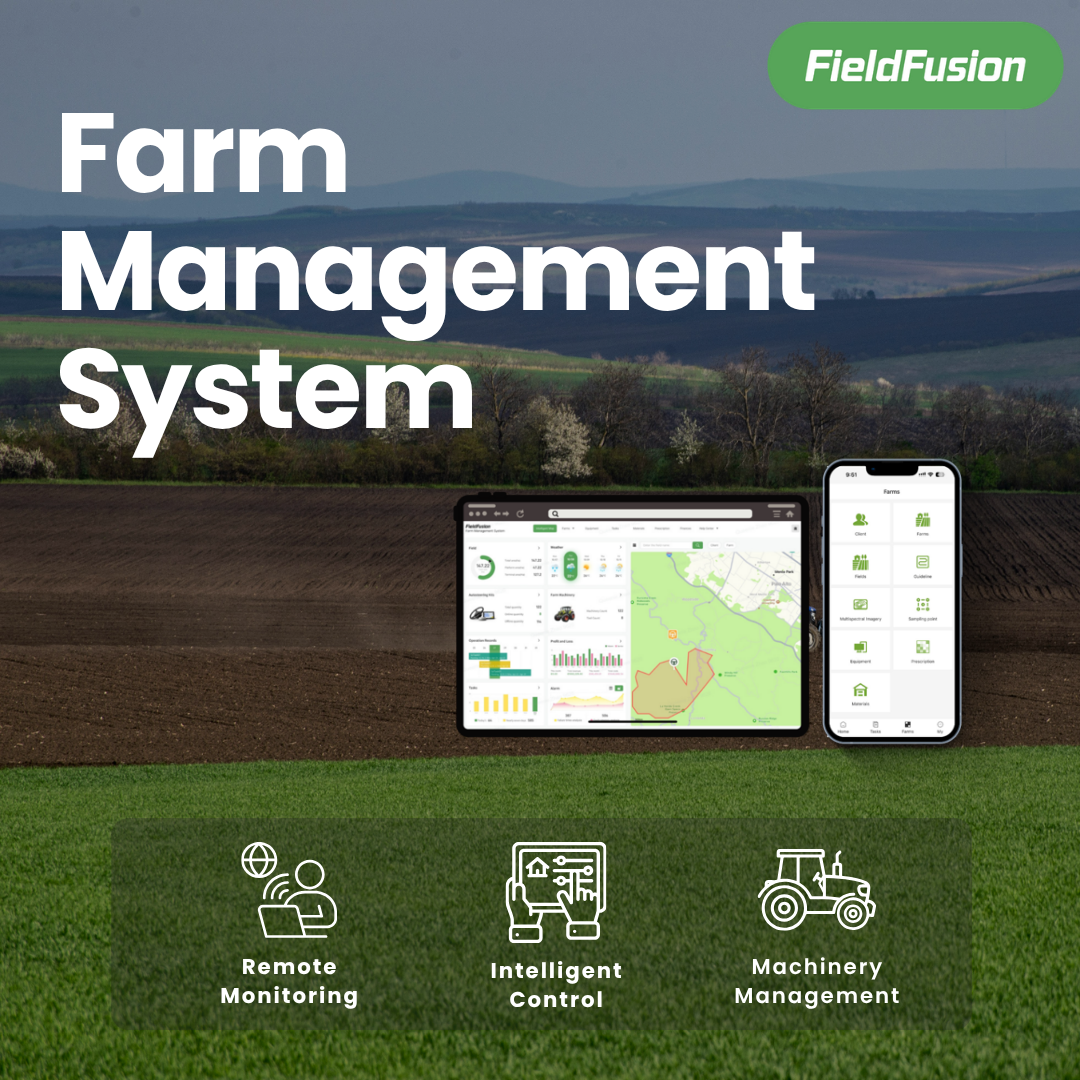
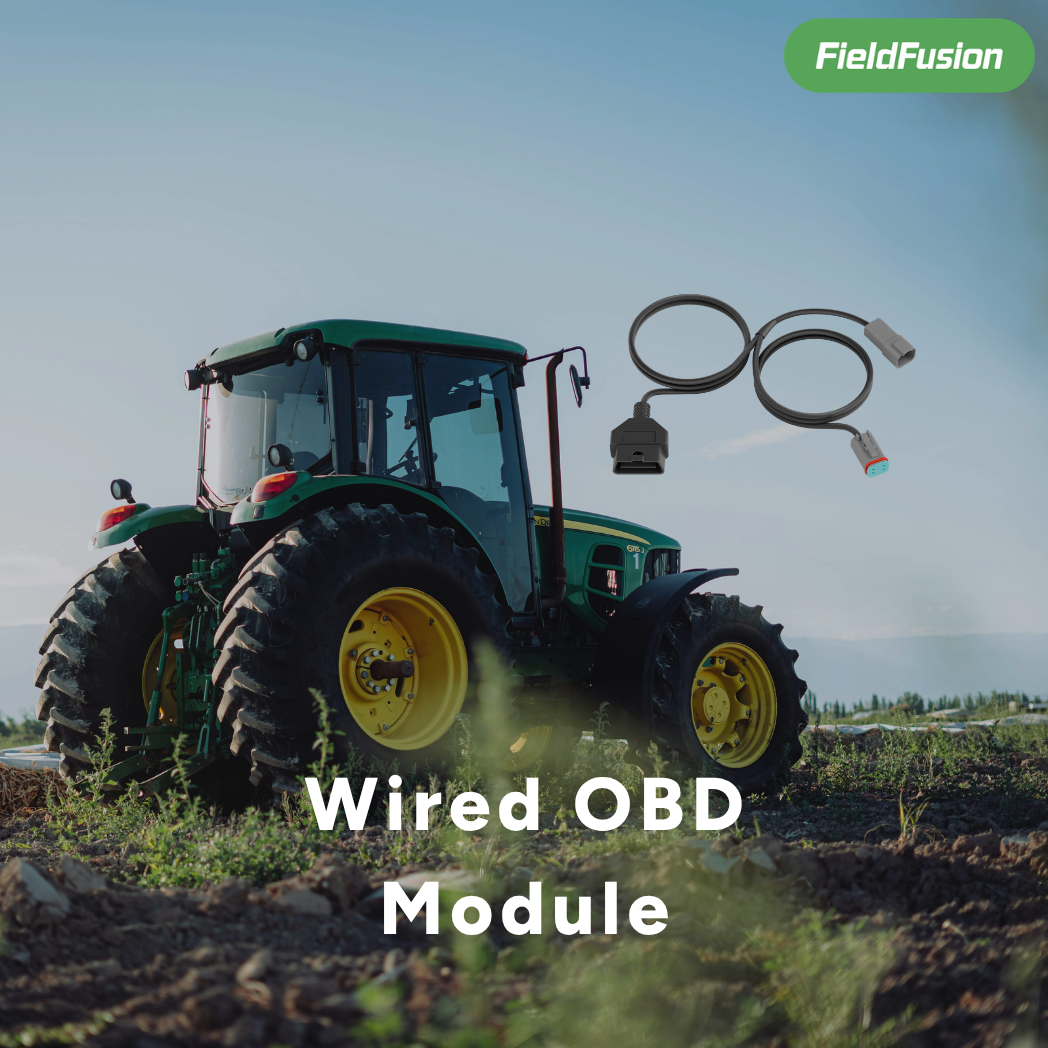
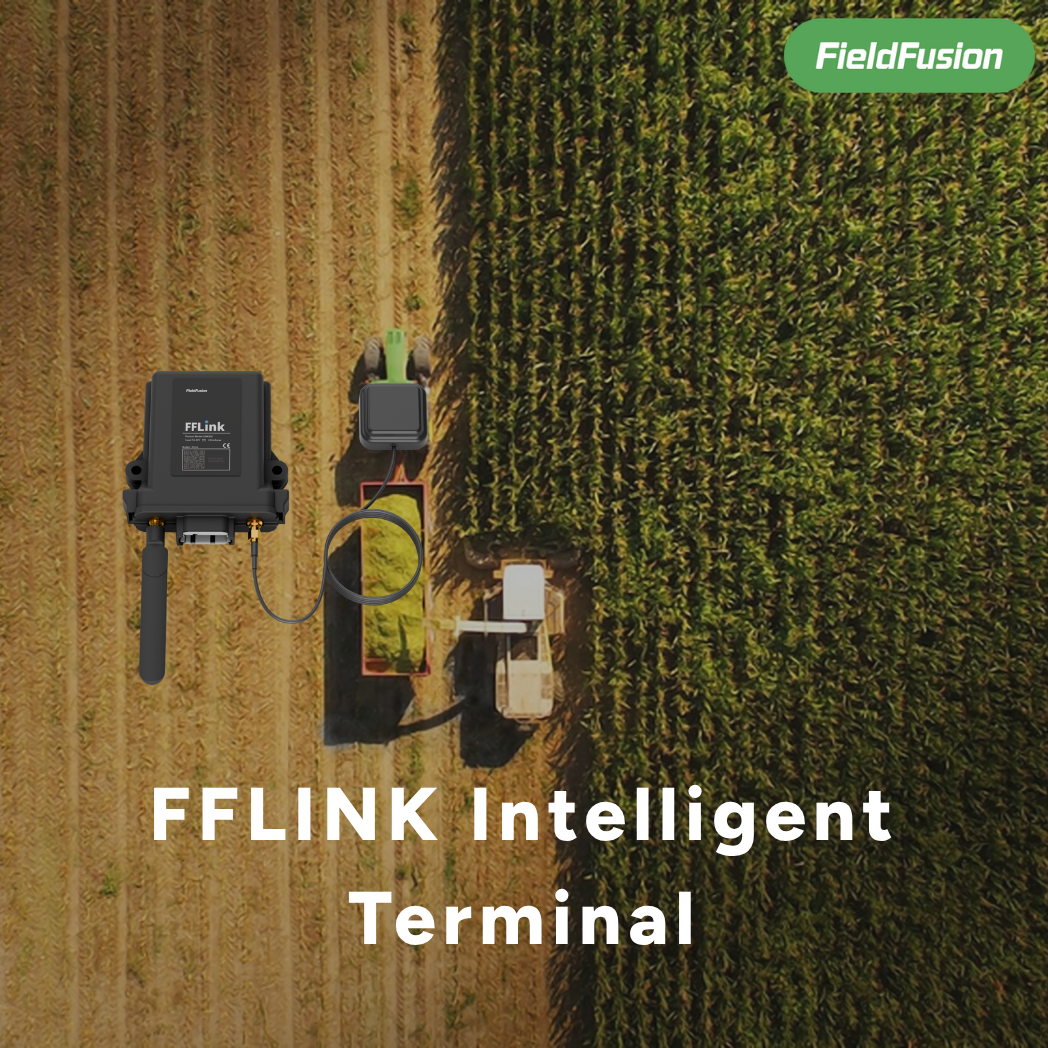
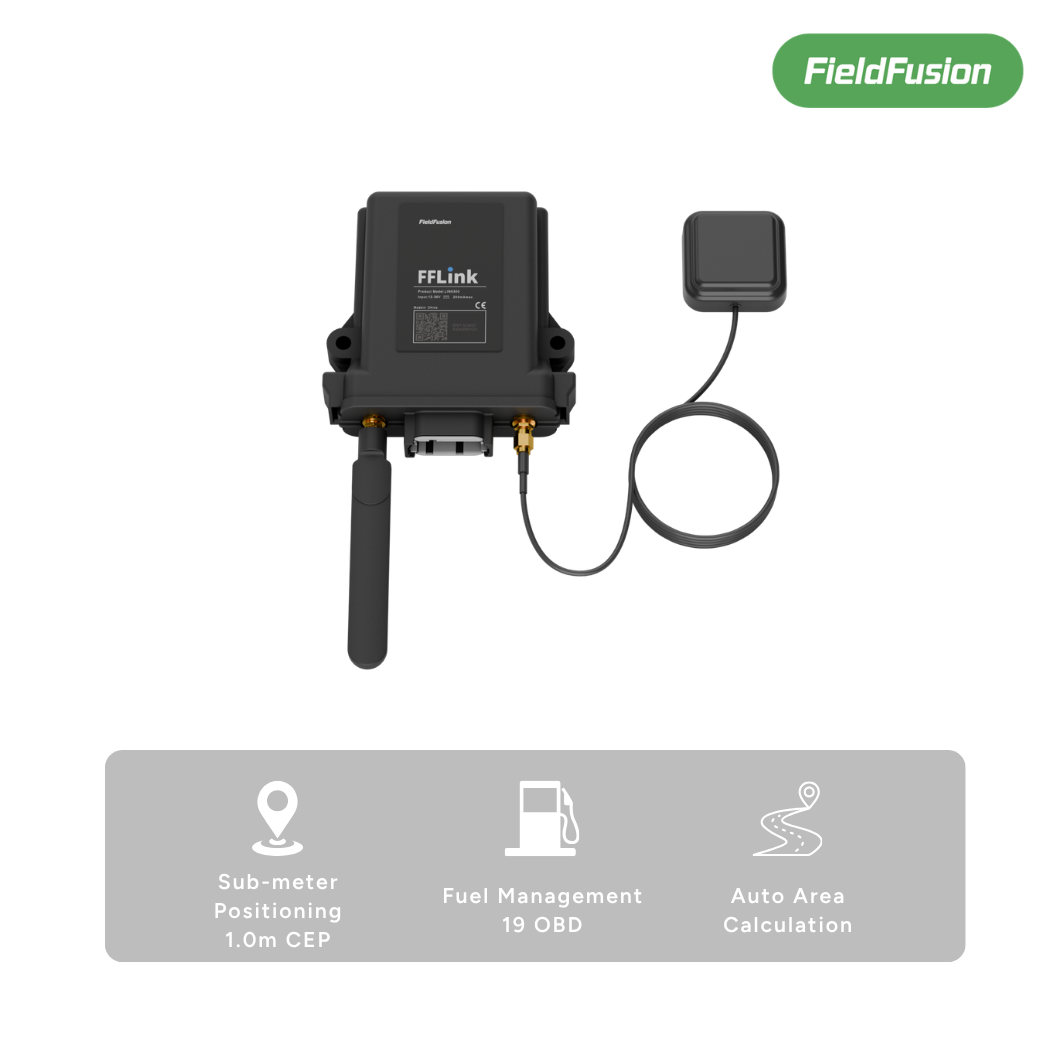
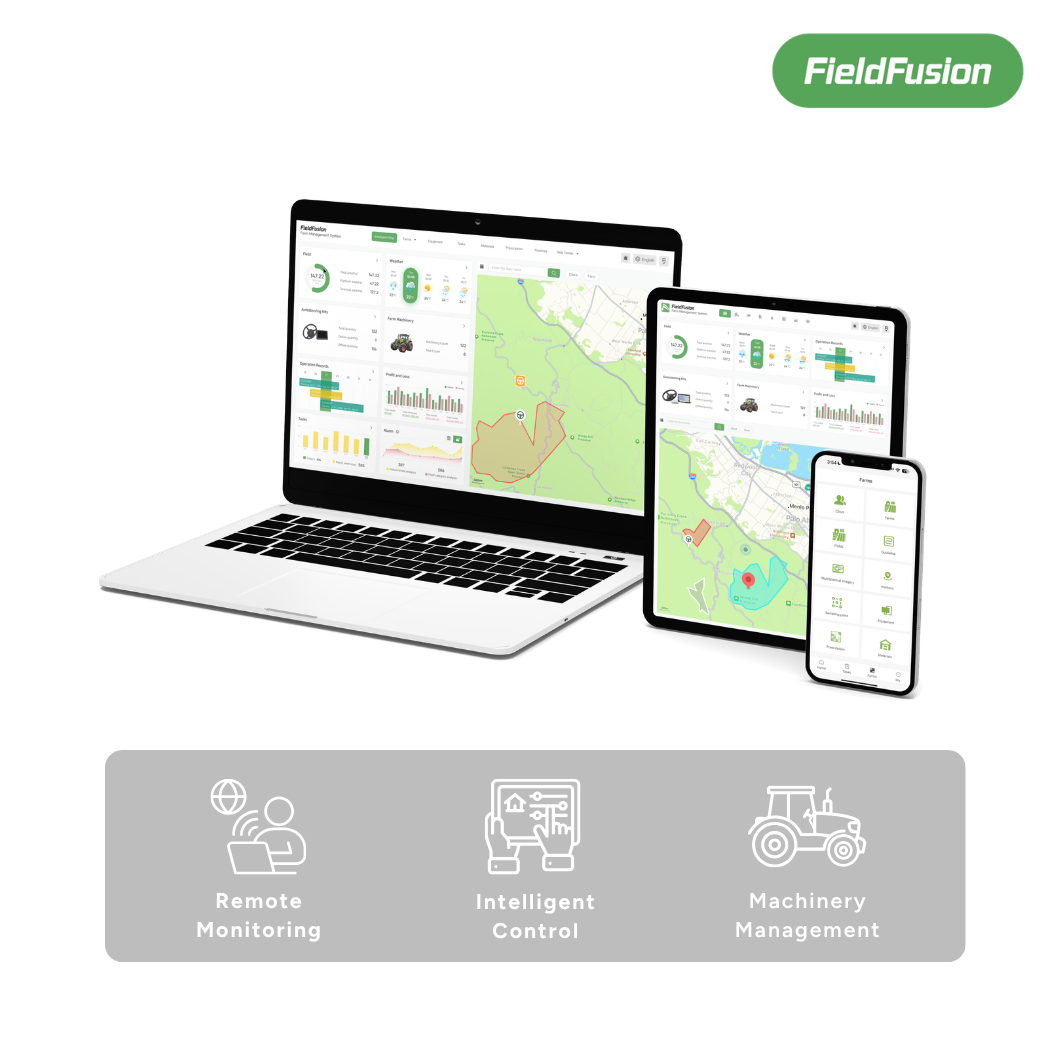
FieldFusion intelligent farm terminal
FFLink brings positioning, vehicle data, and operation records into FieldFusion—so machine status, fuel use, tracks, area, and alerts stay visible.

GNSS · J1939 · 4GRecord from power-on
From device to operation
FFLink starts recording as soon as the machine powers on. It reads vehicle data through SAE J1939, combines it with GNSS tracks and 4G connectivity, and continuously syncs key operation information to FieldFusion.
Engine speed, coolant temperature, oil pressure, fuel use, speed, fault codes, and more.
Dual-frequency positioning with BDS, GPS, GLONASS, Galileo, and QZSS.
TCP and UDP support with automatic reconnection in weak-network conditions.
Built for dust, rain, and operating temperatures from −20°C to +65°C.
Core capabilities
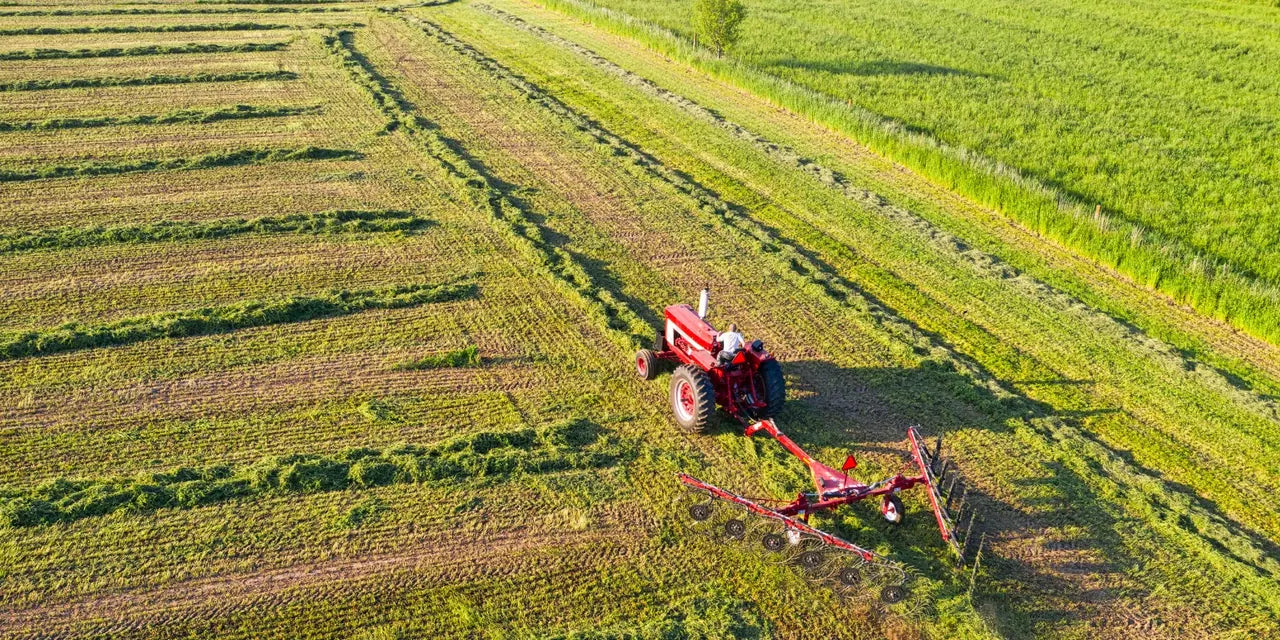
Continuously record position, direction, and speed. Calculate irregular field area from operation tracks and retain a traceable work record.
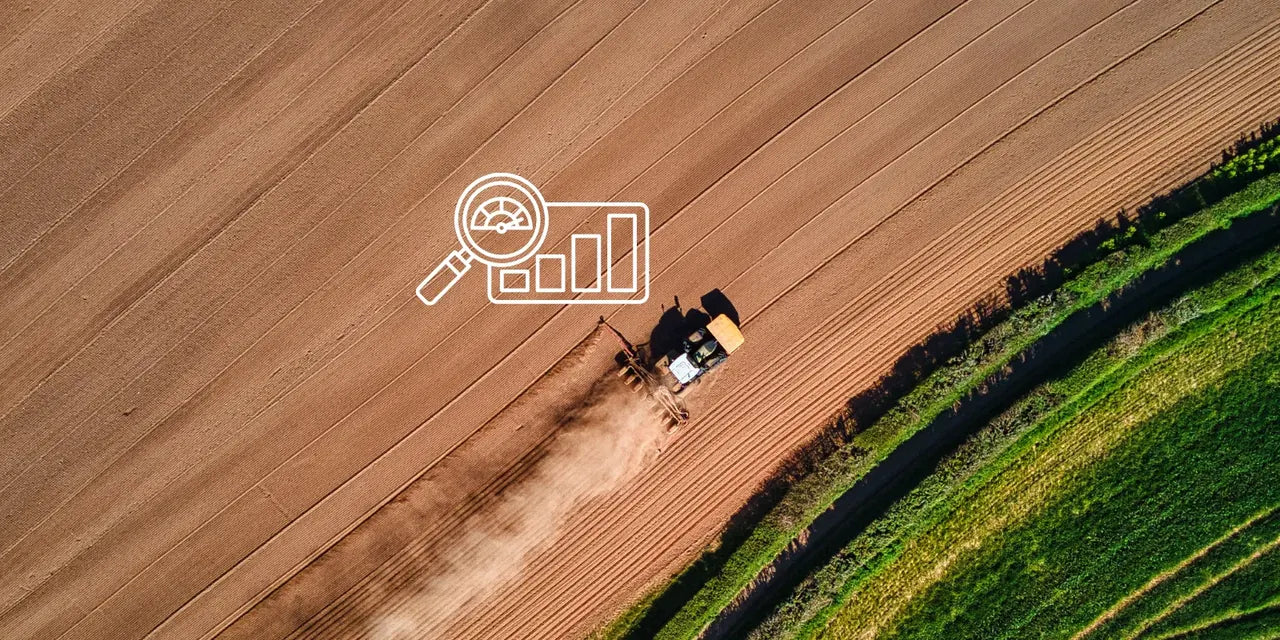
Read vehicle data through SAE J1939, set parameter thresholds, and surface abnormal conditions through event alerts.
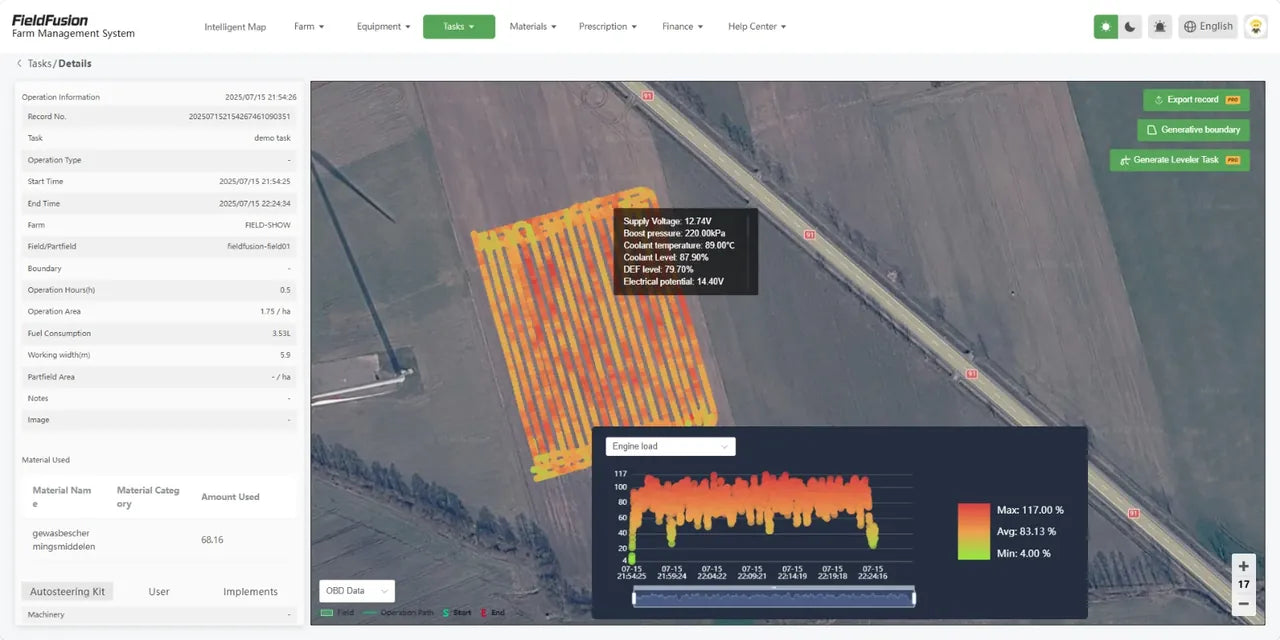
Summarize operating time, distance, and effective area into daily, weekly, or monthly records for easier performance review.
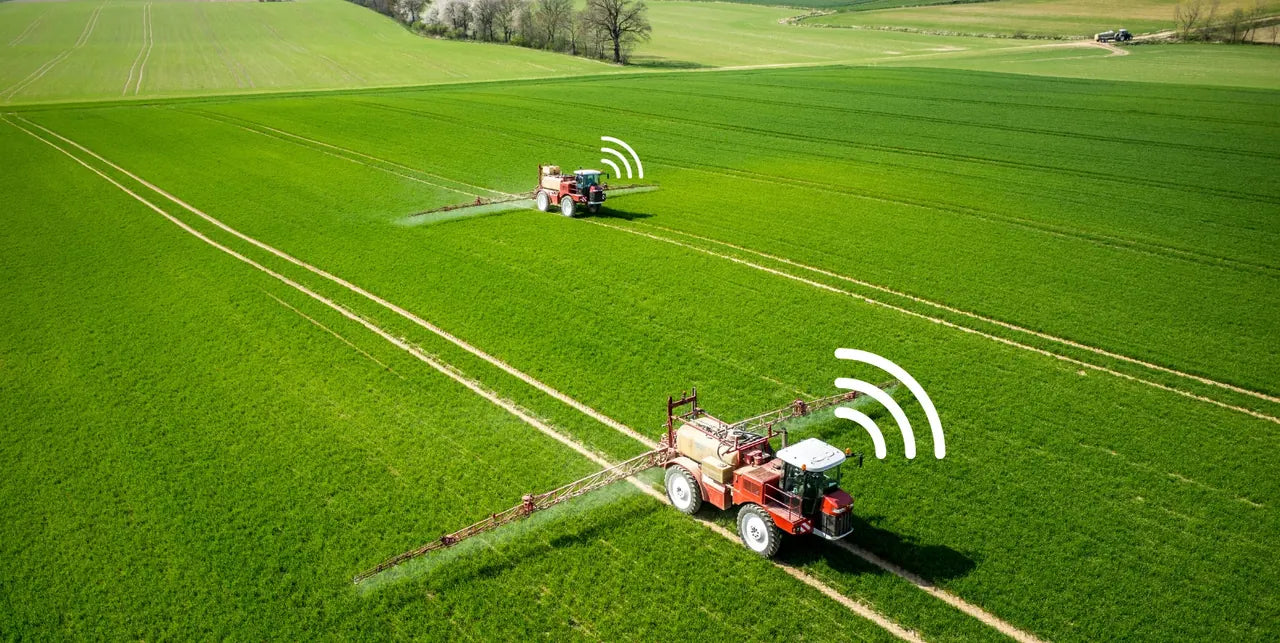
Cache data when the network drops, upload it when service returns, and maintain devices through remote OTA updates.
Simple setup
From installation and pairing to operation records, field teams and managers can get started quickly.
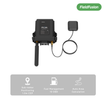
Connect the terminal, wiring harness, and GNSS antenna.
Scan the QR code or enter the serial number to add FFLink to the farm.
Set the machine, implement type, and working width.
Track status, alerts, routes, area, distance, and working time.
FieldFusion app
View FFLink devices, machine pairing, OBD parameters, alerts, and operation records from your phone. Pin four frequently used parameters to the device card so the information that matters stays visible.
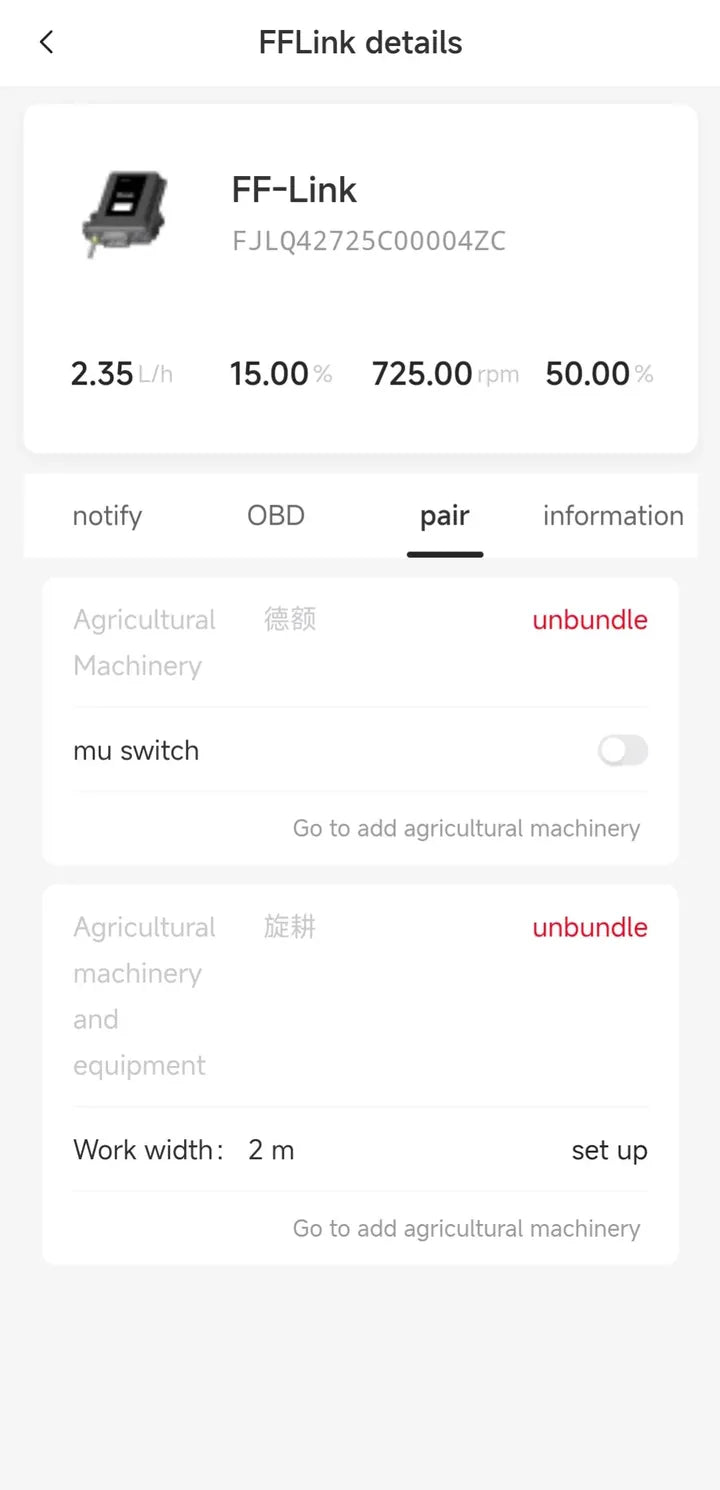
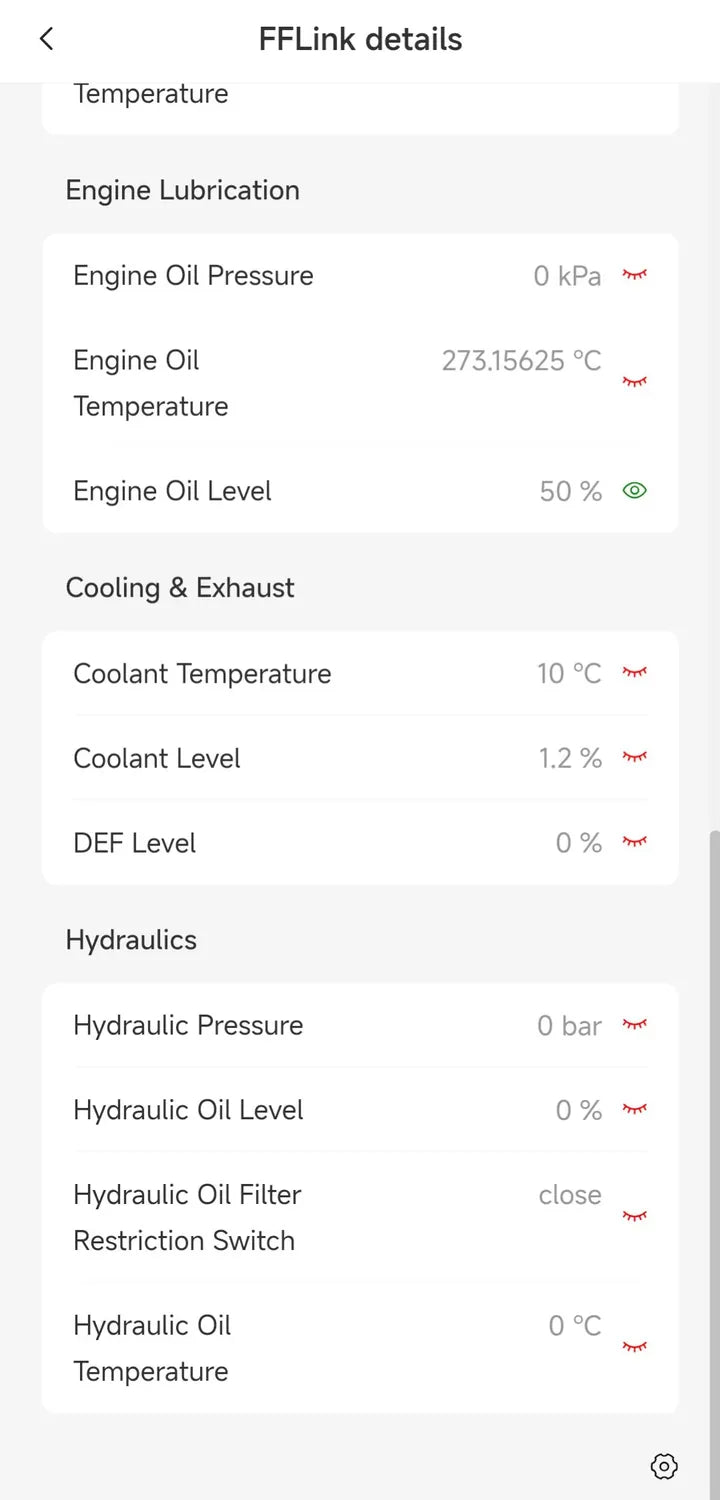
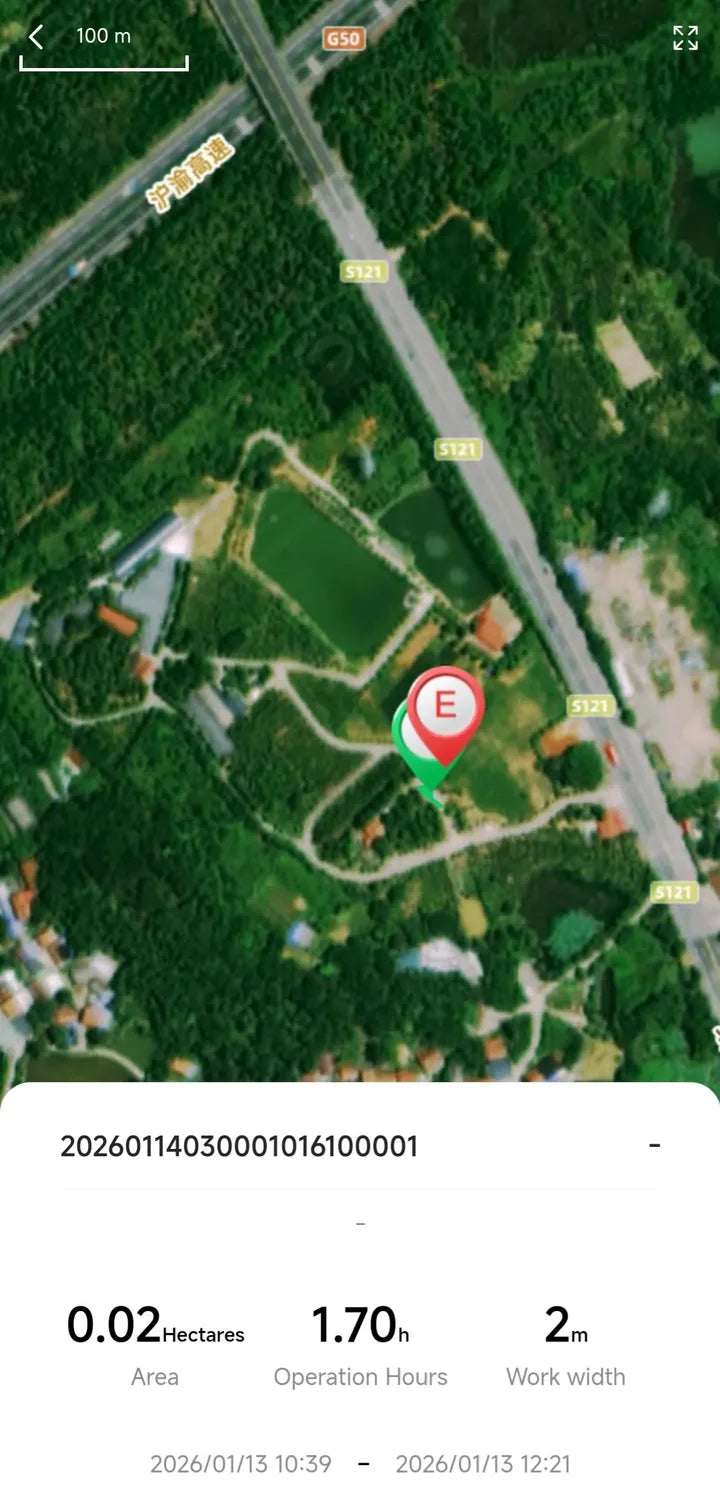
Built for farm operations
See location, status, working time, and job progress across the fleet.
Calculate effective operation area automatically from positioning tracks.
Review historical routes and improve fleet allocation in the field.
Monitor key parameters against thresholds and identify abnormal conditions.
Reduce field service visits with OTA updates and data diagnostics.
Hardware specifications
Frequently asked questions
On compatible SAE J1939 machines, FFLink can collect engine speed, coolant temperature, oil pressure, fuel use, vehicle speed, fault codes, and other operating parameters. Availability depends on the data exposed by each machine.
No. FFLink caches messages locally when the network is unavailable and uploads them automatically when connectivity returns.
Yes. After pairing the machine and implement and entering working width, FieldFusion can use positioning tracks to calculate area, working time, and distance.
No. FFLink supports remote OTA firmware updates through the management platform.
Share the machine brand, model, year, and interface information with our team. We will help confirm SAE J1939 data availability and the installation approach.
Tell us your machine brand, model, and management goals. We will help confirm compatibility and the right deployment approach.
Plans from $169 USD/year